HDMI Camera HD1080P 1080i 50fps 60 fps Streaming Webcam Recording
4K@30FPSUSD $137.75
Condition : New
Free Shipping
{{variant_type_name}} :

Notify me when the price drops
We will email you if we find a lower price on this product!
How to change HDMI output resolution
The camera will OSD Control function (Initial state), Press the left button,
reboot when change HDMI output resolution Working state overtemperature
The working heat of the camera will be relatively large, which will not affect
the normal use. Whether firmware can be upgraded
Open the shell and use TF memory card to upgrade,
If no new firmware is released, no upgrade is required No image displayed
Try to change the HDMI output resolution The Color Cast when change other lens
Please make sure new lens with IR filter Picture distortion
The distortion is caused by the lens, 3.2MM lens no distortion , 2.8-12MM
lens large distortion , 6-12MM and 5-50MM lens small distortion. Solution :
1/2.8" 8MP 4K CMOS Senso HDMI output:
2160P30/25/24fps,1080P60/50/30/25fps,
1080i60/50fps, 720P60/50fps
The resolutions listed above need to be supported by your
monitor or capture device. For example, if your monitor
does not support 4K, The 3840*2160P30/25/24fps option
will not appear in the resolution selection list. ISO :
Auto / Manual (100~1600) Electronic shutter:
Auto / Manual (1/10~1/2000) Power On:
Auto Power On when plug ac adapter
Press camera middle button Digital Zoom :
Support Power O:
Long press camera middle button power o Lens:
C/CS mount Exposure:
AUTO / Manual EV
:Support 12 Level manual Settings White Balance
:AUTO / Manual Power Mode
:DC 12V 1A Screen Orientation Change
:Support screen rotation 180 degrees and Mirroring Zoom mode
:Manual ( optical zoom ) Focus mode
:Manual packing list 1 * 3.2mm lens HDMI camera 1 * DC12V power supply On Dec-16-21 at 19:24:05 PST, seller added the following information:
The camera will OSD Control function (Initial state), Press the left button,
reboot when change HDMI output resolution Working state overtemperature
The working heat of the camera will be relatively large, which will not affect
the normal use. Whether firmware can be upgraded
Open the shell and use TF memory card to upgrade,
If no new firmware is released, no upgrade is required No image displayed
Try to change the HDMI output resolution The Color Cast when change other lens
Please make sure new lens with IR filter Picture distortion
The distortion is caused by the lens, 3.2MM lens no distortion , 2.8-12MM
lens large distortion , 6-12MM and 5-50MM lens small distortion. Solution :
1/2.8" 8MP 4K CMOS Senso HDMI output:
2160P30/25/24fps,1080P60/50/30/25fps,
1080i60/50fps, 720P60/50fps
The resolutions listed above need to be supported by your
monitor or capture device. For example, if your monitor
does not support 4K, The 3840*2160P30/25/24fps option
will not appear in the resolution selection list. ISO :
Auto / Manual (100~1600) Electronic shutter:
Auto / Manual (1/10~1/2000) Power On:
Auto Power On when plug ac adapter
Press camera middle button Digital Zoom :
Support Power O:
Long press camera middle button power o Lens:
C/CS mount Exposure:
AUTO / Manual EV
:Support 12 Level manual Settings White Balance
:AUTO / Manual Power Mode
:DC 12V 1A Screen Orientation Change
:Support screen rotation 180 degrees and Mirroring Zoom mode
:Manual ( optical zoom ) Focus mode
:Manual packing list 1 * 3.2mm lens HDMI camera 1 * DC12V power supply On Dec-16-21 at 19:24:05 PST, seller added the following information:
Returns Accepted for this item if it's within 30 Days

Price type
IN STOCK
OUT STOCK


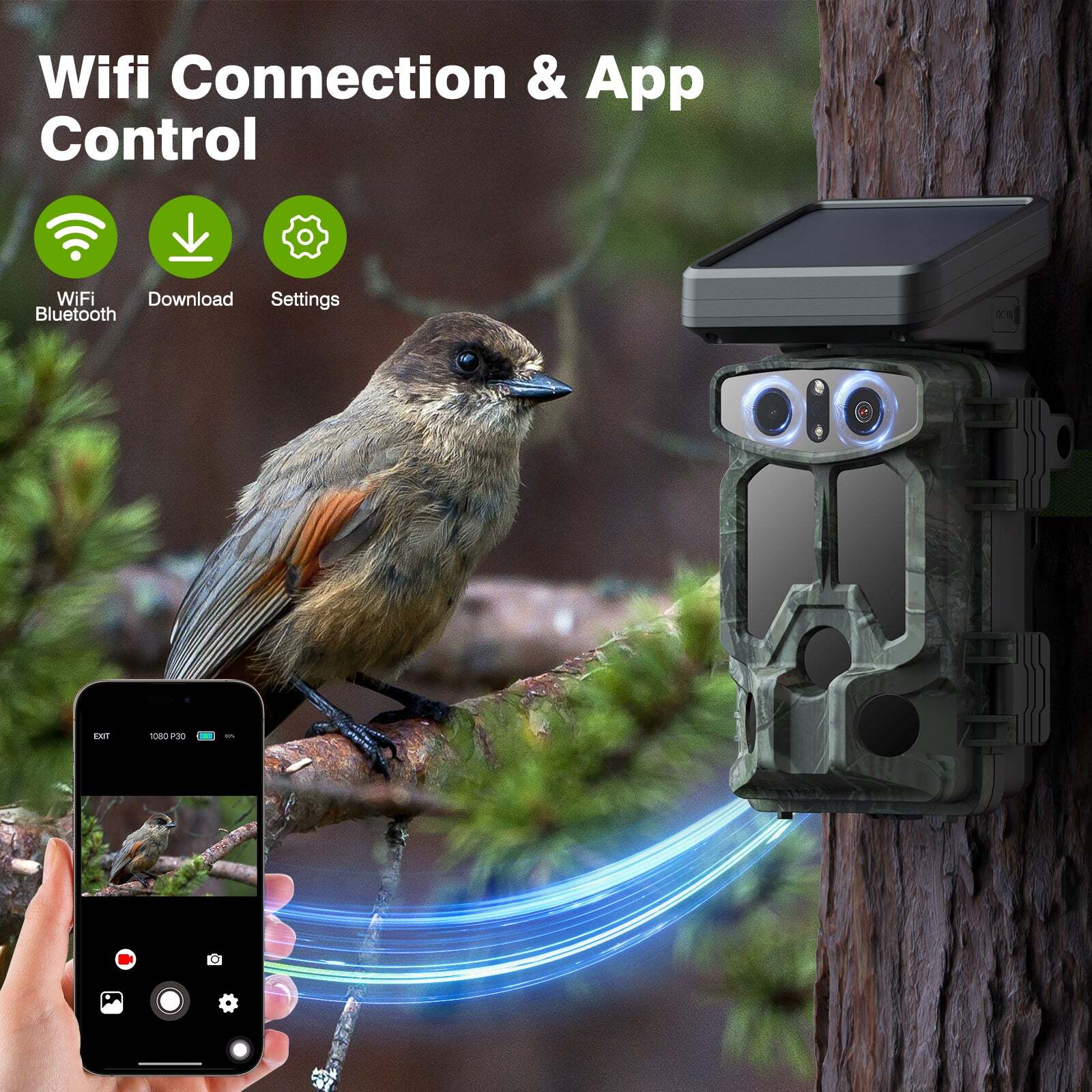
✅Solar Wildlife Camera 4K 30FPS 60MP 5000mAh Starlight Night Vision Trail Camera
By Unbranded
![]()
$108.99





 .
.
